
Shopping Cart
YOUR COURSES, IN YOUR ACCOUNT
Purchased a course? Start here.
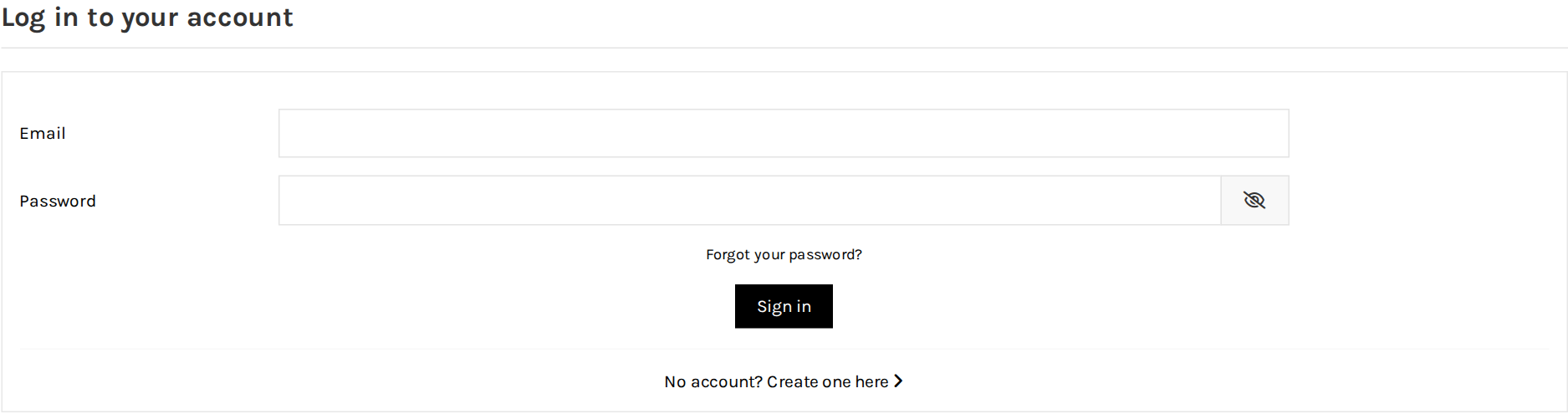
Your courses are available in My Library as soon as your payment is confirmed. Sign in to your BizArena account for instant access.
Open My LibrarySign in to your account
Use the same account you used to complete your order. If you’ve forgotten your password, choose Forgot your password? on the sign-in page.
Find your course in My Library
Select My Library at the top of the website to see your purchased courses. To search, enter the course name in the Search courses box.
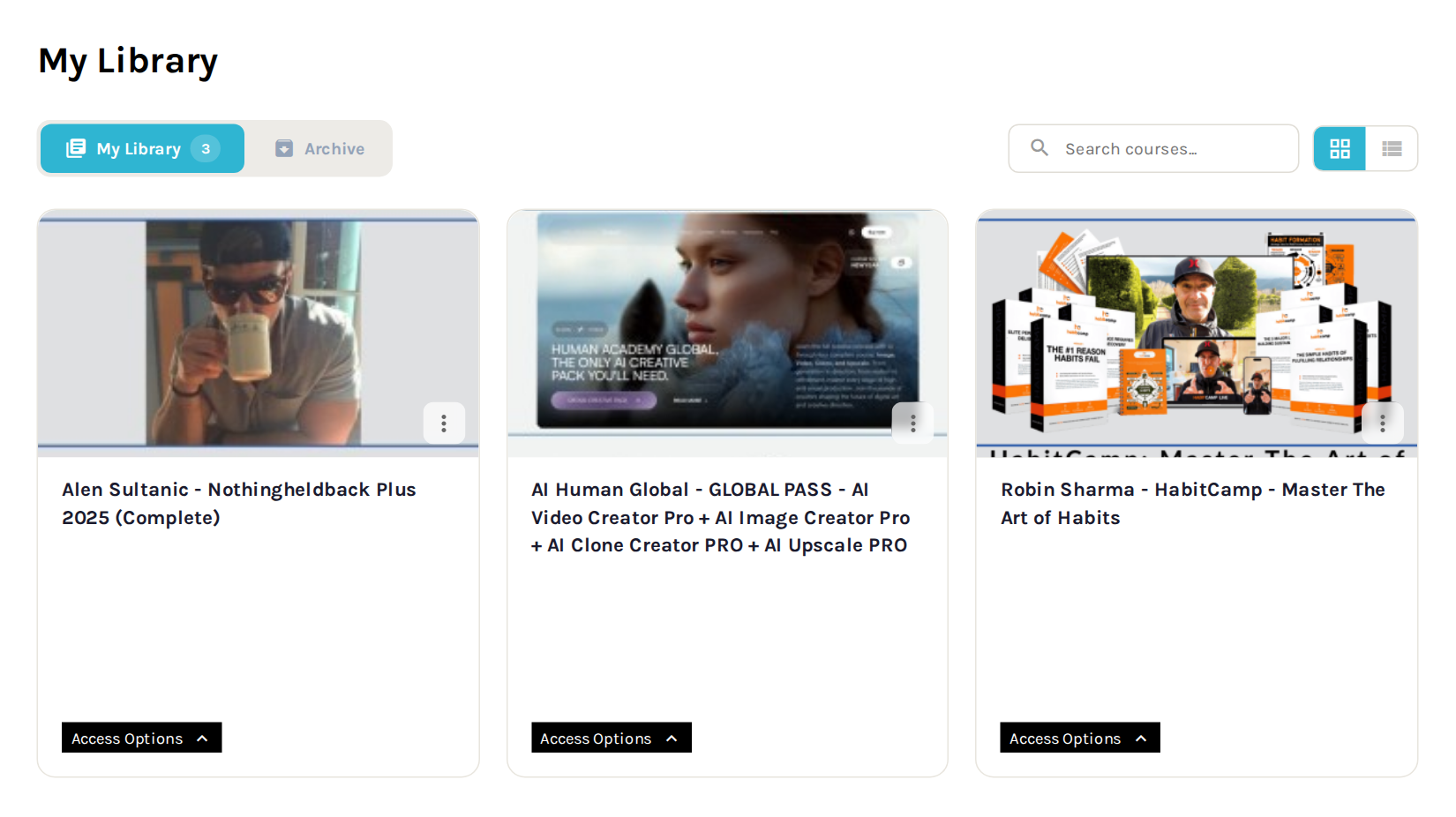
Choose Access Options
Select Access Options beneath your course, then choose a link to watch or download it. The link opens in a new tab.
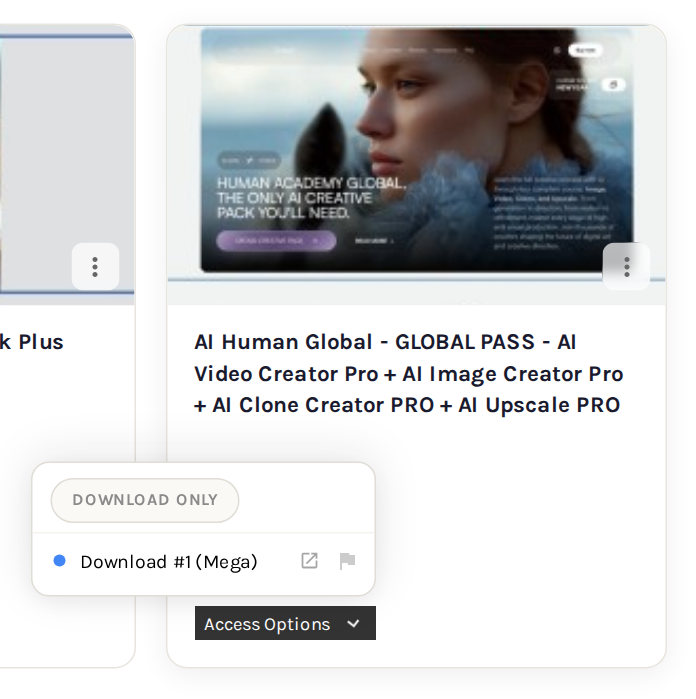
The options shown depend on the course.
Need help with your course?
Choose a question below for help.
My course isn’t in My Library
- Make sure you’re signed in to the account you used to complete your order.
- Make sure your payment has been confirmed. Your courses become available once it has.
- Check the other pages in My Library and look under Archive if you previously archived the course.
If it’s still missing, contact us with the course name and your order number.
My course link doesn’t work
Open Access Options and select the small flag beside the link that isn’t working. Choose what went wrong, add any helpful details, then select Report. If your course has another link, you can try that one too.
You can also contact us. Tell us the course name and what happens when you open the link.
I haven’t received a delivery email
Your courses are delivered to your account. Once your payment is confirmed, sign in and open My Library to find them.
Ready to get started?
Open My Library to find your courses.