Shopping Cart
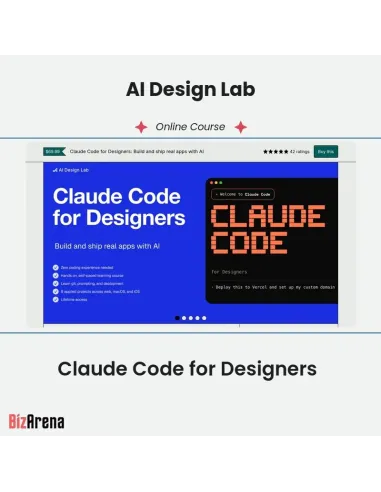
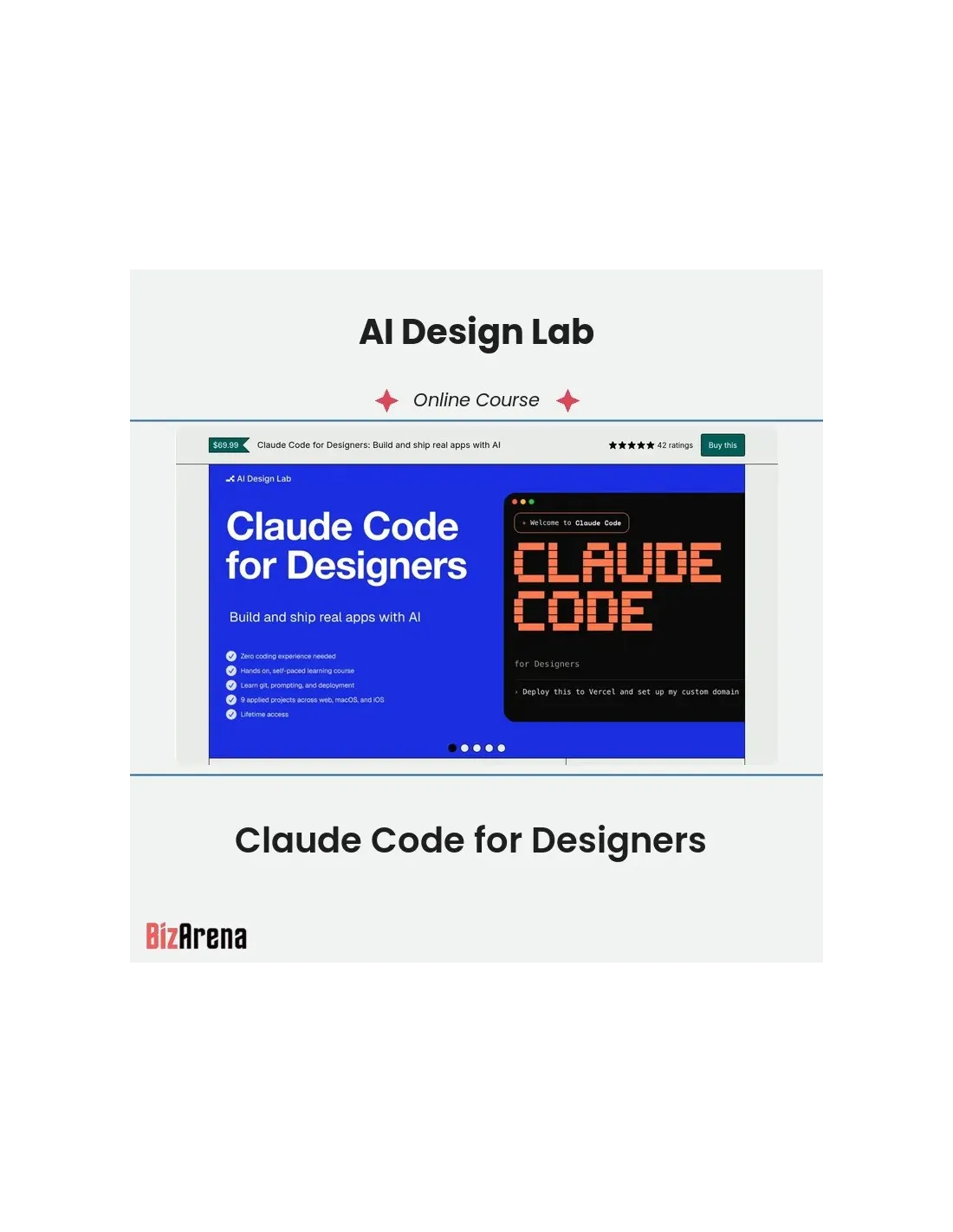
Claude Code for Designers: Build and ship real apps with AI
Everyone can prompt an app, but this is the complete system that teaches you to ship one, then hands you every skill file and starter to do it again.
What this is
One system in three forms, under one idea: the CLAUDE.md skill file. Learn it through a hands-on course that teaches you to build and finish real software with Claude Code. You bring the eye. Claude writes the code. You direct every move and ship the result.
What's inside?
- 9 hands-on projects, start to deploy (Web, macOS, iOS)
- 11 guides covering design, data, logic, and shipping
- 3 troubleshooting guides for when Claude builds the wrong thing
- 15 prompt categories, tested
- 15 in-course skill files for Claude Code
- 10 starter templates for web, macOS, and iOS
- 3 case studies from real shipped apps
The skill packs
333 CLAUDE.md skill files across 9 packs: Design, Marketing, PMs, Founders, DevOps & Deployment, Content & Copy, Testing & QA, UI Polish, and Security & Auth.
The starters
100 iOS app starter projects in SwiftUI, across 11 kits. Open in Xcode and build. They come wired with skill files, so Claude knows the patterns from the first prompt.
What You'll Learn
- Build and ship real apps without writing code yourself
- 9 hands-on projects across web, macOS, and iOS platforms
- 333 pre-written skill files for design, marketing, and development
- 100 iOS app starters to accelerate your development process
- Learn to distinguish quality work from generic AI-generated content
Frequently Asked Questions
Q: Do I need coding experience for this course?
A: No. The course assumes zero coding background. You bring the eye for design and the ability to articulate what you want. Claude handles the code generation.
Q: What are the skill packs and do I need all of them?
A: A skill file is a CLAUDE.md that tells Claude how you work, eliminating guesswork. You get 333 files across 9 trades (Design, Marketing, PMs, Founders, etc.). Use only what matches your current project, while learning to write your own custom files.
Q: What's included in the iOS app starters?
A: 100 SwiftUI projects that already run. Simply open one in Xcode, point Claude at it, and build on top. They're pre-wired with skill files so Claude understands your project's patterns from the first prompt.
Q: How is this different from AI coding tools like v0 or Bolt?
A: Those tools generate the first draft, which often looks generic. This course teaches you to distinguish good from generic and finish your projects completely. They help you start; this helps you ship.
Q: Will the course stay relevant as Claude Code evolves?
A: Yes. While the tool may change, the design eye and method won't. The course method, prompts, and skill files have been updated through every major Claude release. You receive lifetime access to all future updates.
Sales Page: https://aidesignlab.gumroad.com/l/claude-code-for-designers
Course Content Preview